UI Explorations
Exploring intuitive, clear, and functional interface design.
PROJECT OVERVIEW
Role
UX / UI Designer
Timeline
12 Weeks
Toolkit
Figma
UI Explorations is a series of interface studies developed over 13 weeks through weekly prompts. Each exploration focuses on core UI components, interaction patterns, and visual clarity.
01. THE CHALLENGE
Challenge
Designing clear and intuitive interfaces can be challenging, especially when balancing usability, hierarchy, and visual consistency across different UI components.
Approach
Each exploration focused on a specific UI component, emphasizing clarity, usability, and consistent interaction patterns.
SIGN UP & LOG IN
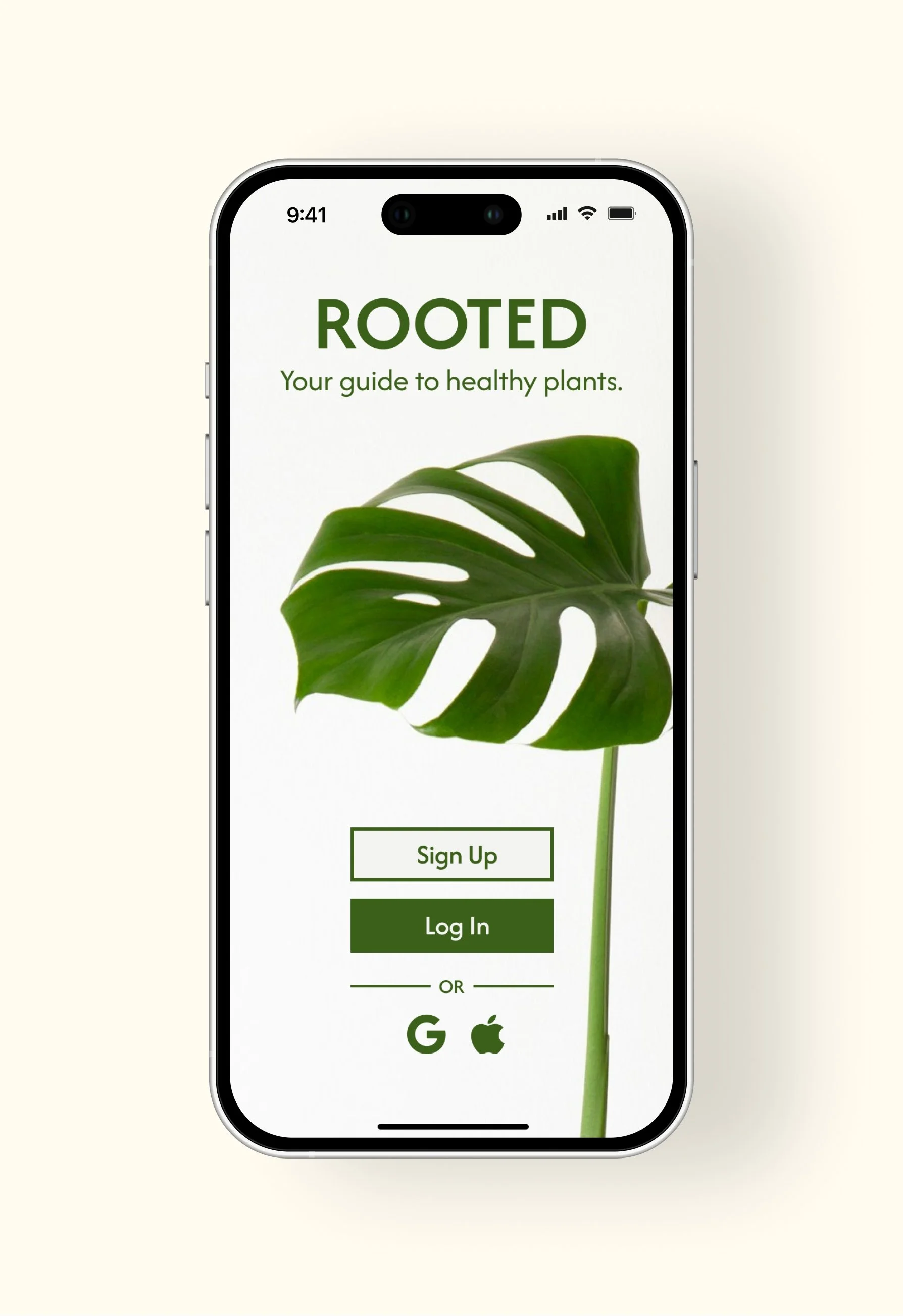
A sign up and login interface focused on creating a clear and easy onboarding experience.
APP BARS & PROGRESSION INDICATORS
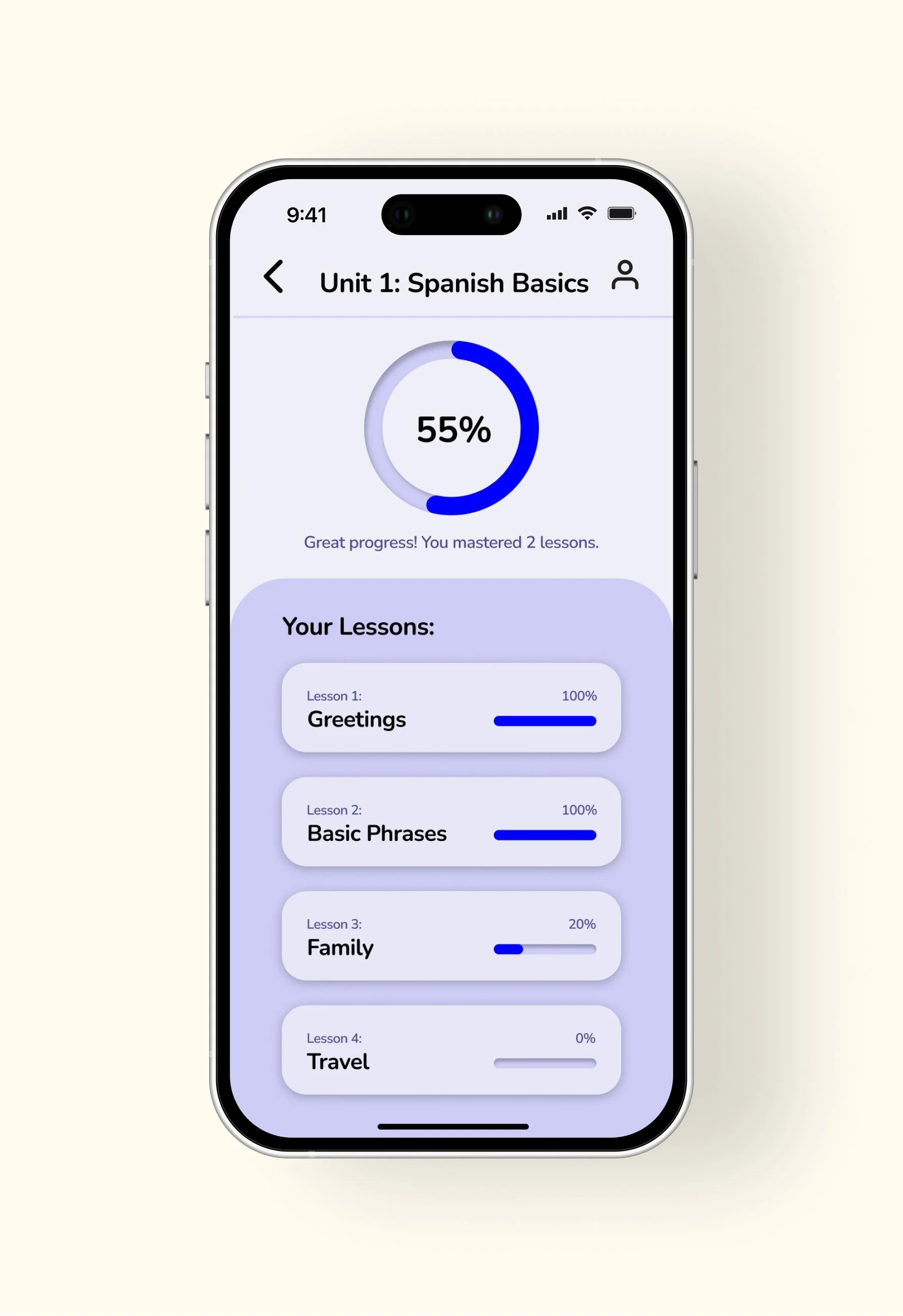
Visualizing progress and milestones to support consistent language learning.
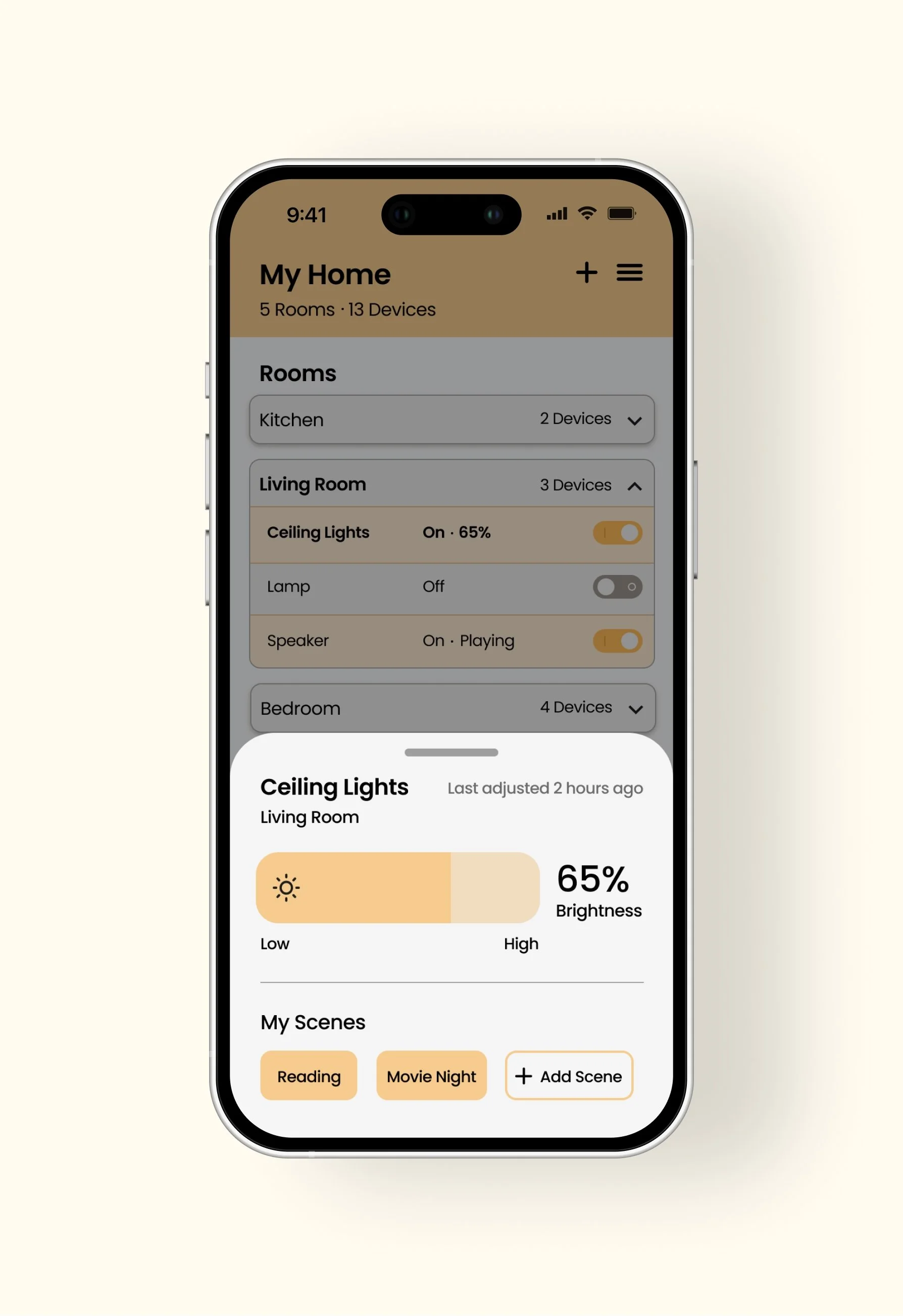
BOTTOM SHEET & LIST
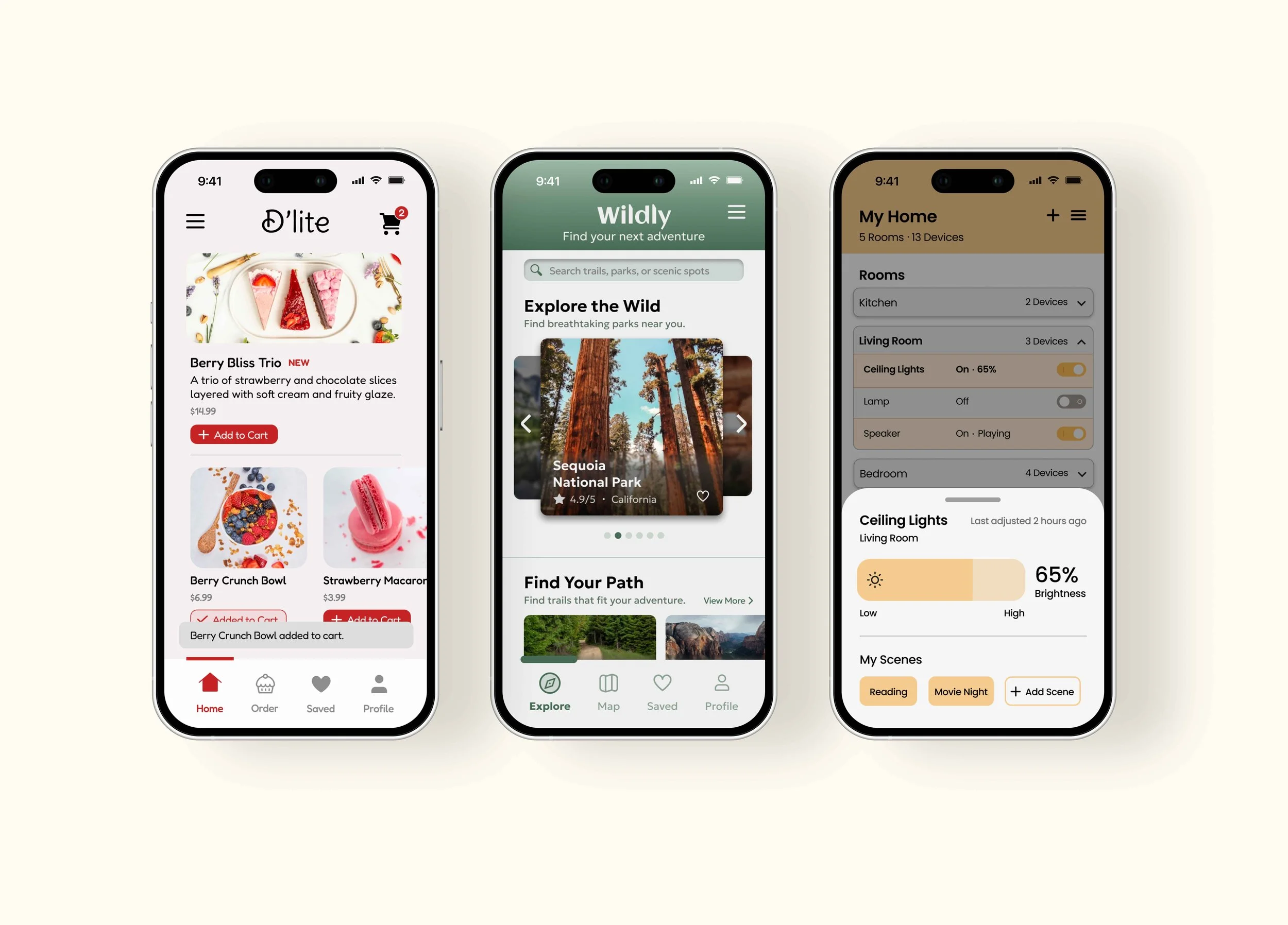
Organizing device controls into a clear and easy-to-navigate hierarchy.
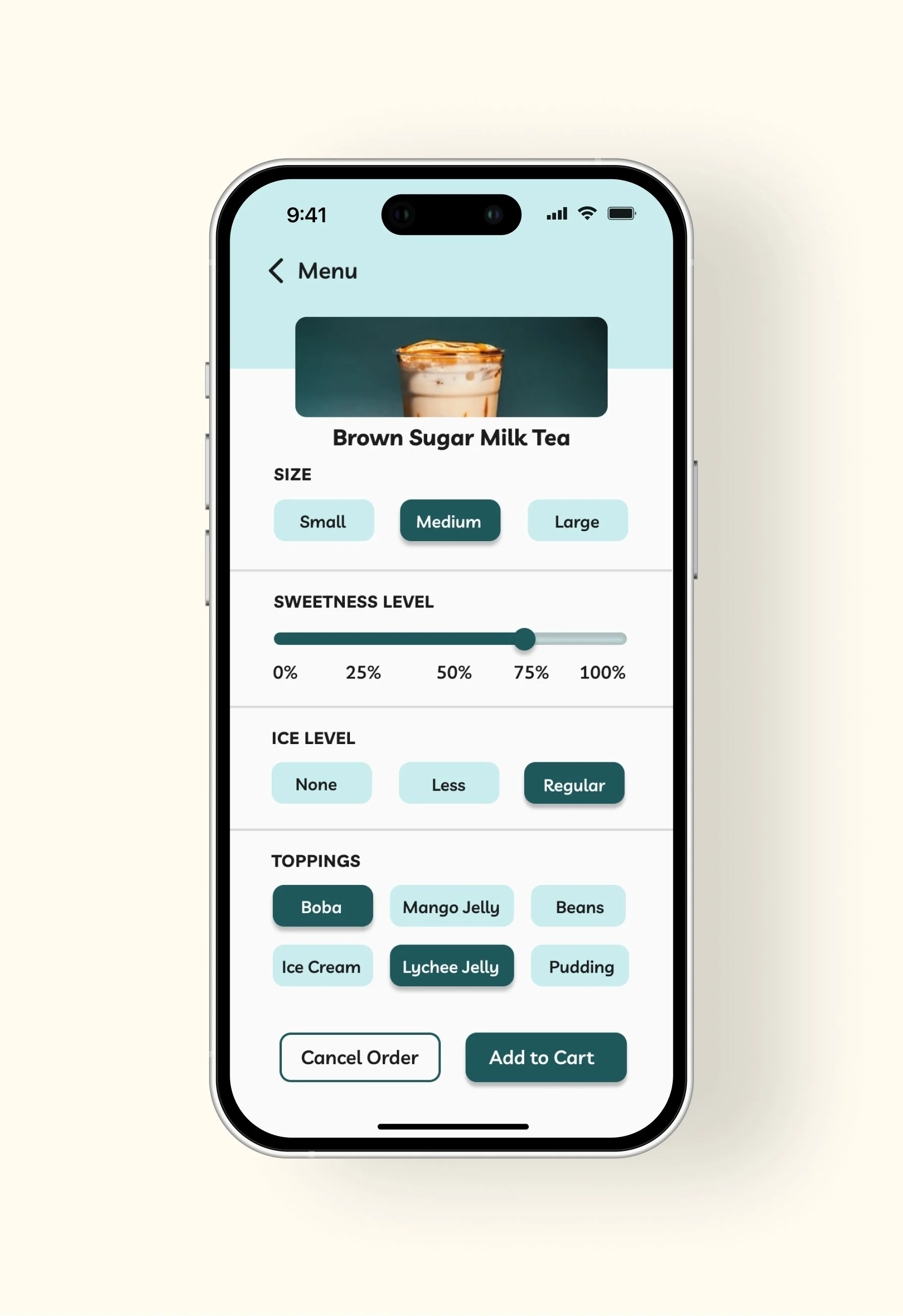
SLIDERS & BUTTONS
Interactive sliders and buttons designed to make customization simple and intuitive.
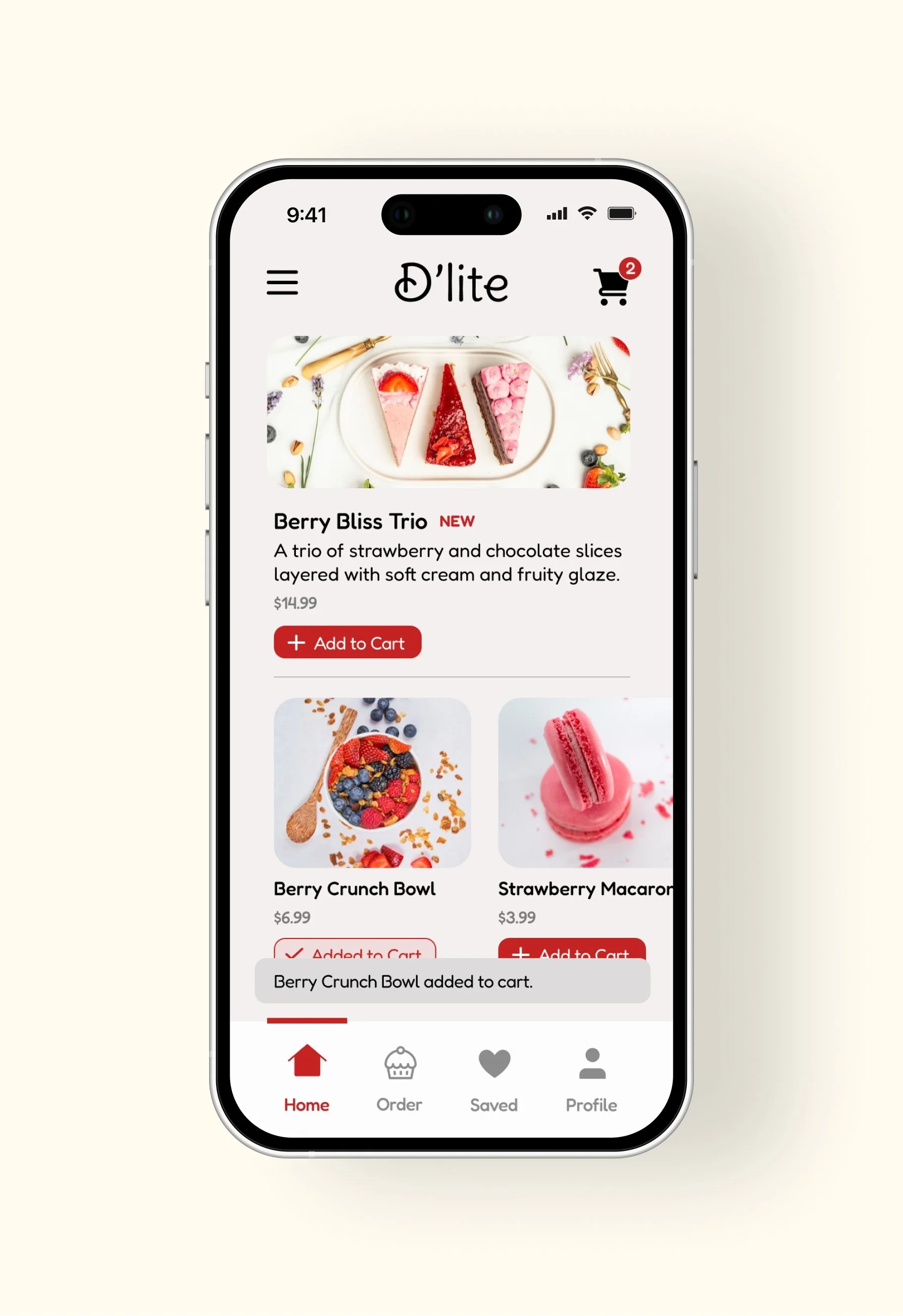
BADGE & SNACKBAR
Playful feedback and visual cues that enhance the ordering experience.
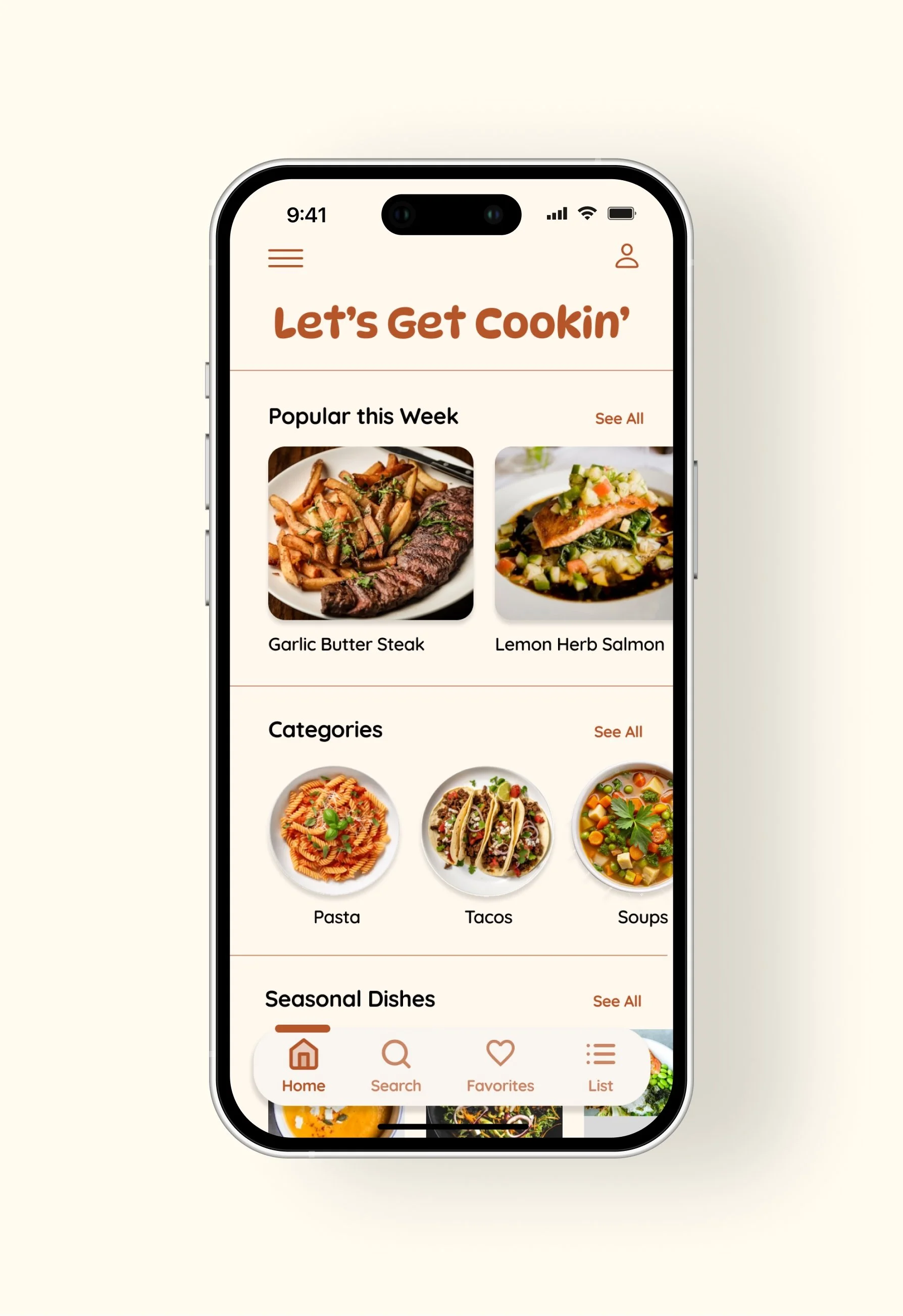
NAVIGATION
Navigation system designed to provide easy access to core features within a cooking app.
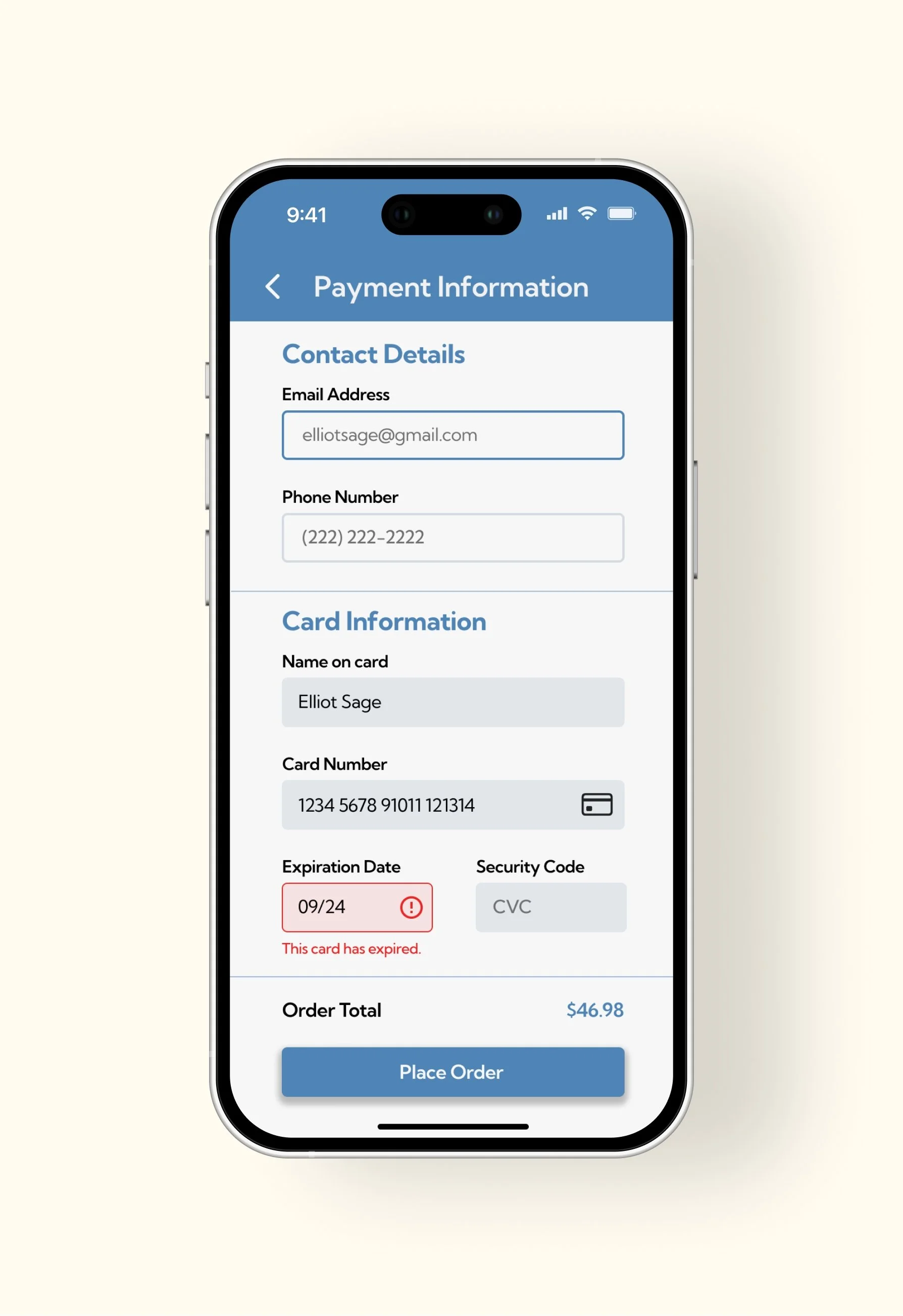
TEXT FIELDS
Clear input fields that support a smooth and secure payment process.
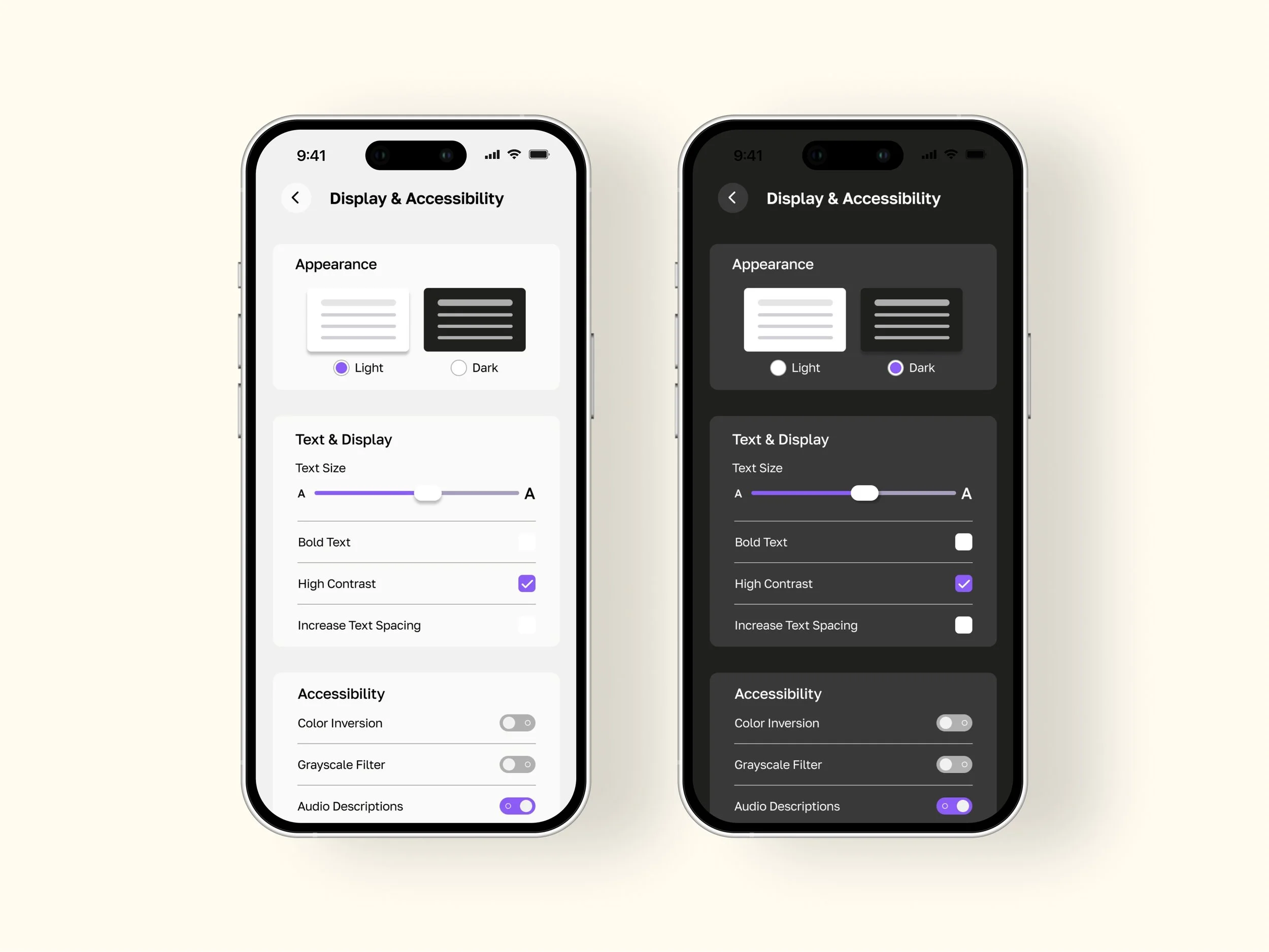
SELECTION CONTROLS
Light and dark mode toggles that allow users to personalize their display settings.
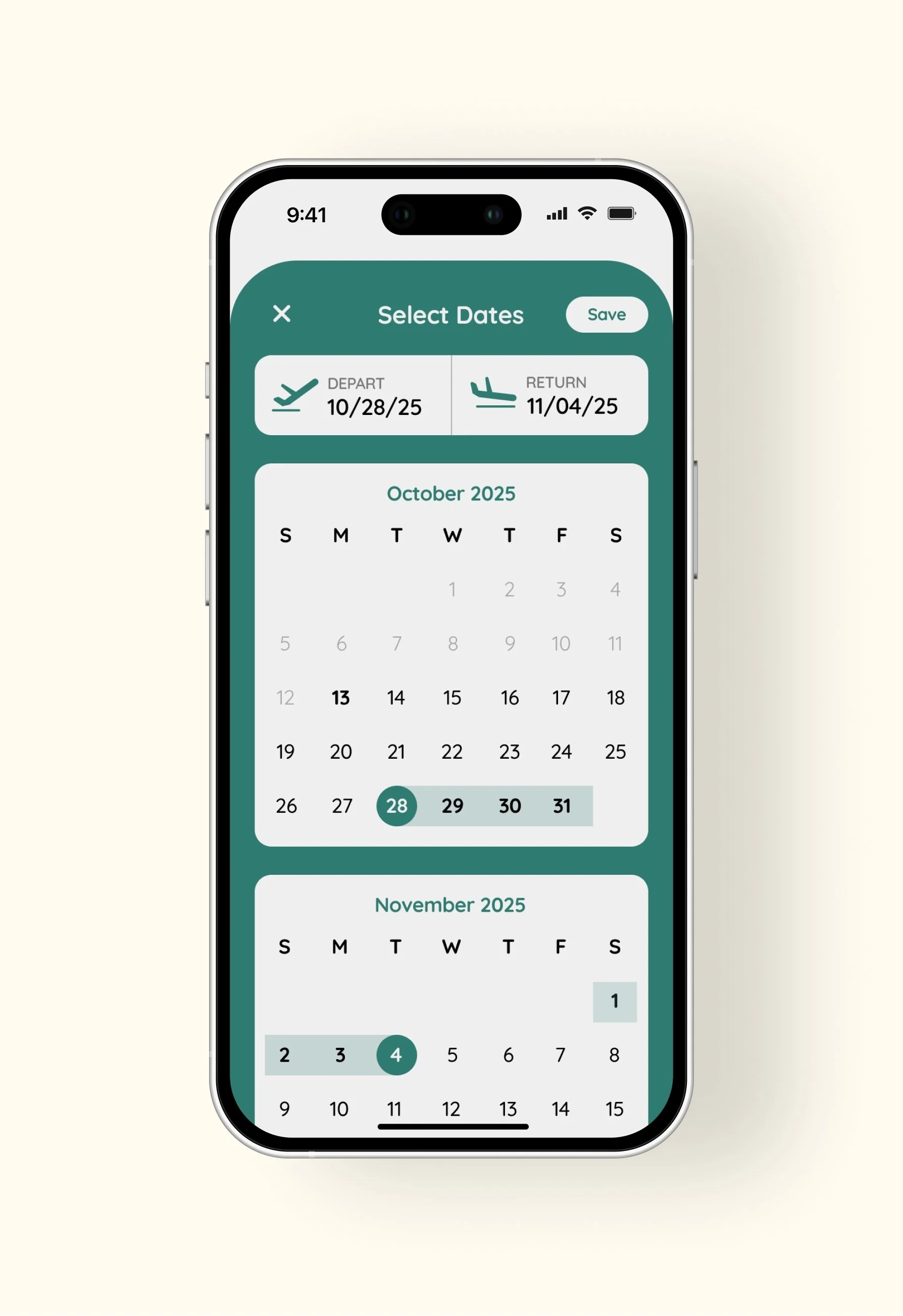
DATE PICKER
Simple and intuitive selection of departure and arrival dates.
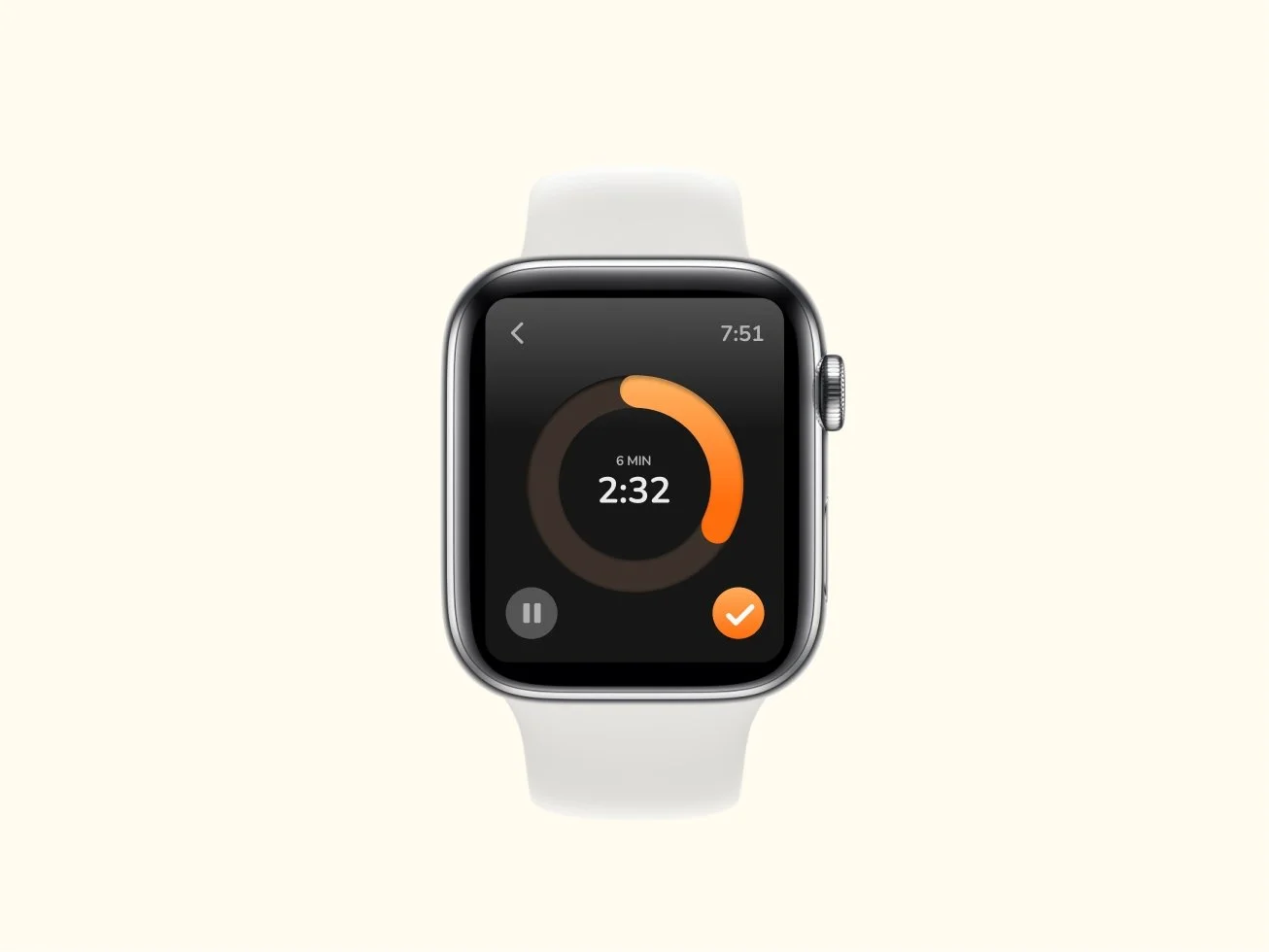
COUNTDOWN
A high-contrast, glanceable interface for tracking activity in real time.
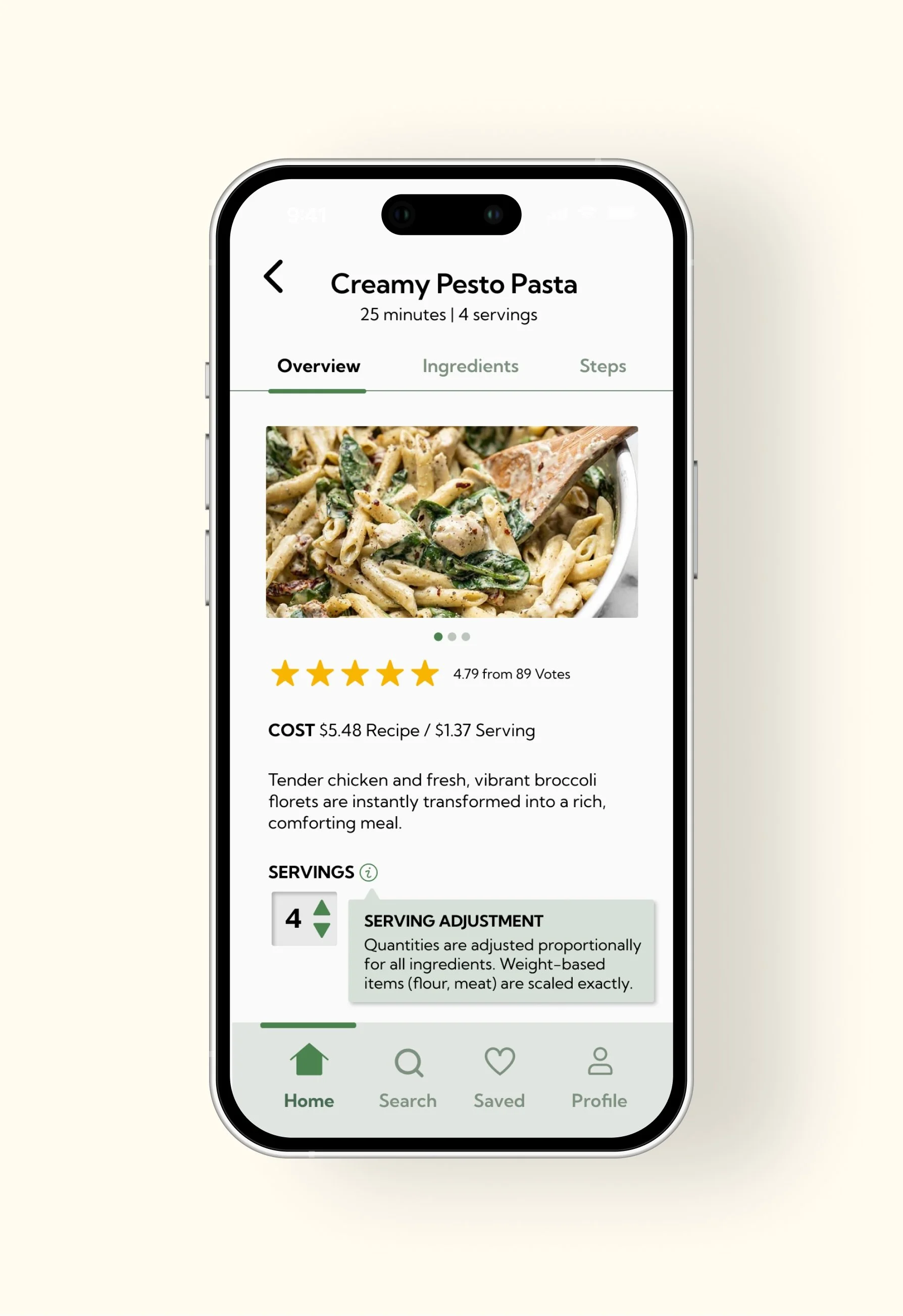
TABS & TOOLTIPS
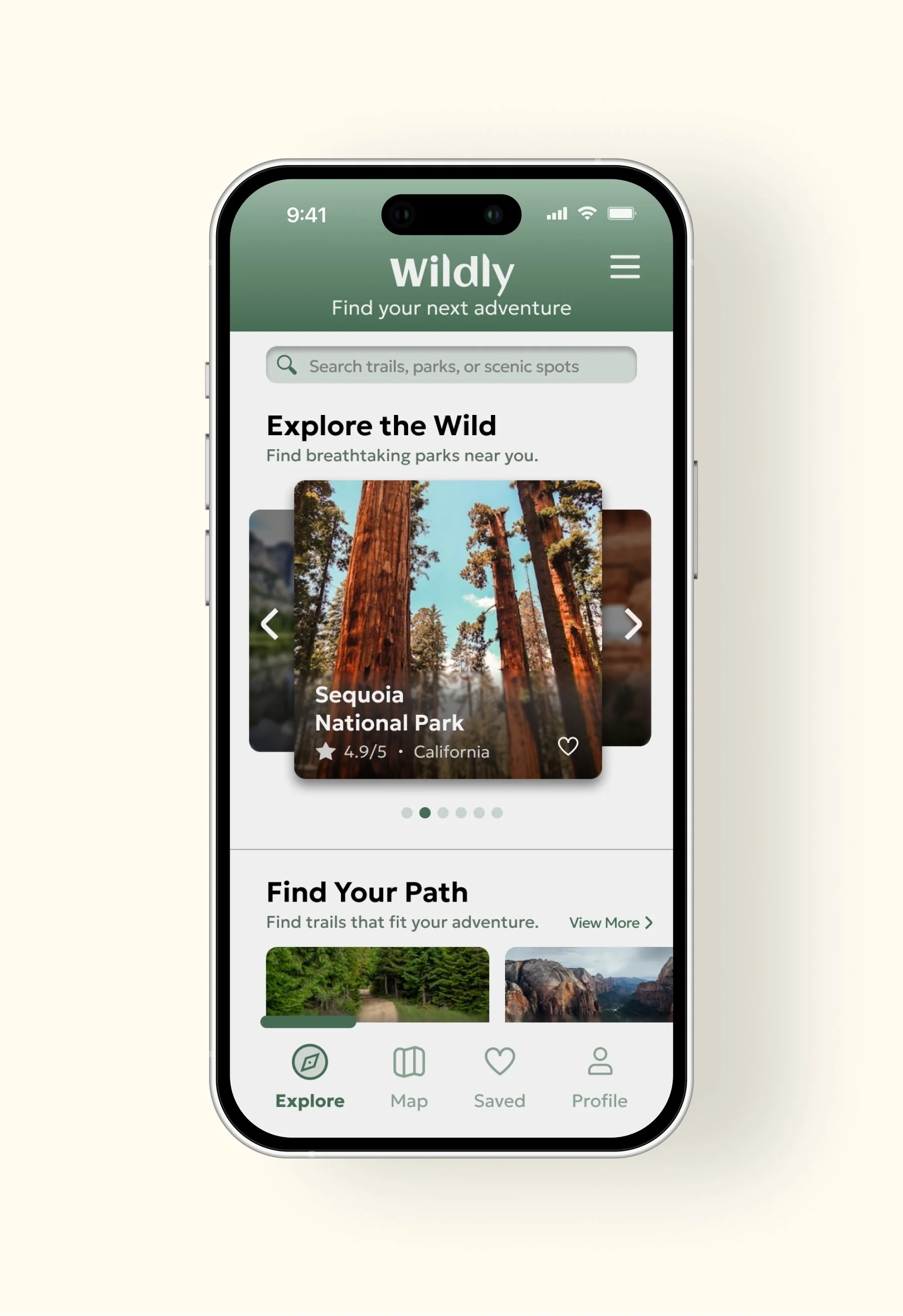
An interactive carousel that makes browsing trails more engaging and easy to explore.
CAROUSEL
An interactive carousel that makes browsing trails more engaging and easy to explore.